See how much of an explainer is left
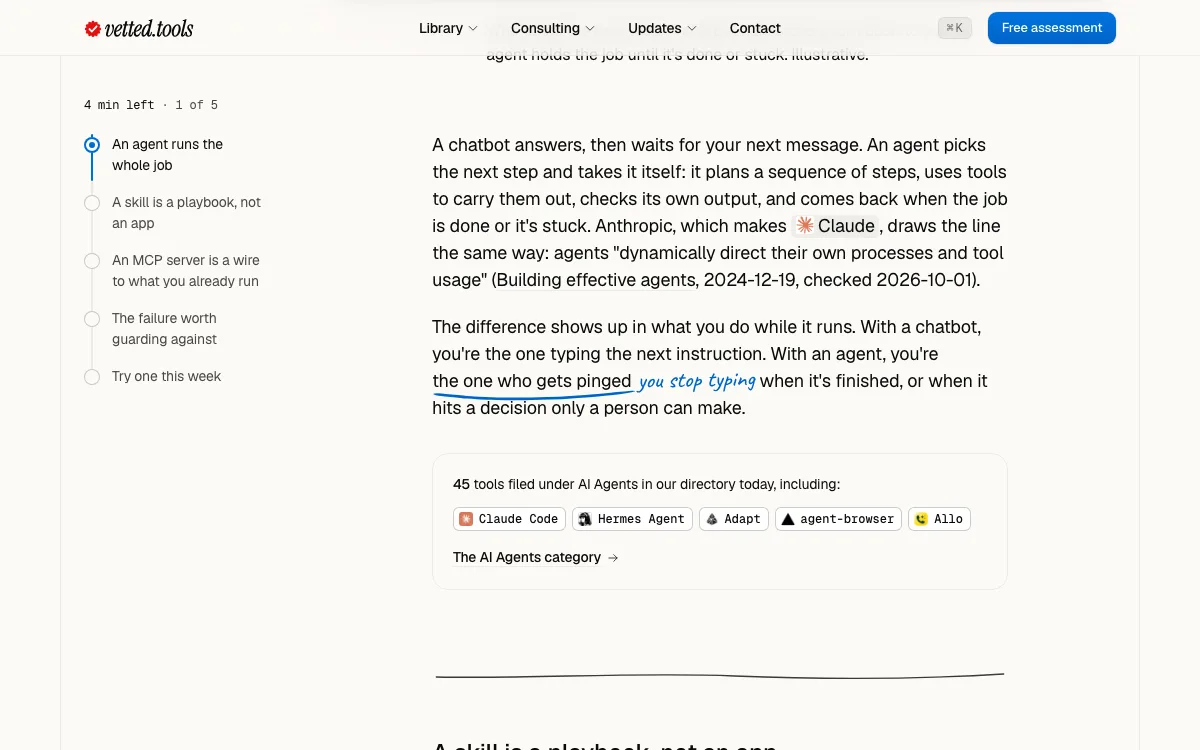
Learn explainers now keep their sections beside the text, tick each one off as you read and count down the minutes left. The Learn page shows each explainer by a picture of what it covers.
Fixes and improvements
- On a phone the same count sits in one line under the header
- Each section starts after a ruled line, with more room under every picture
- Key lines in an explainer carry the pen, as they do in use cases
- The Learn page shows each explainer's picture and reading time