Click a screenshot to read the case
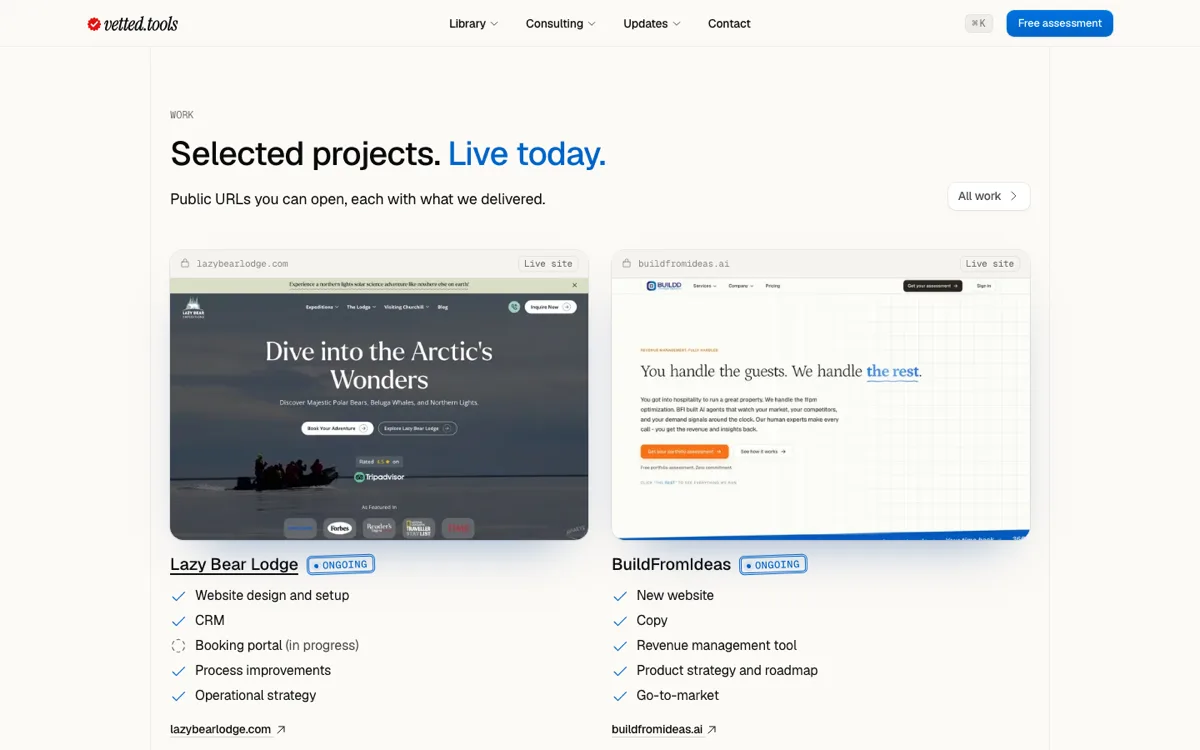
A click on a project's screenshot now opens its case study, on the consulting page, on home and on our work page, the same place its name takes you.
Fixes and improvements
- On home, the screen shows the row you point at or tap, and a click on it opens that project
- On our work page, the red notes pinned to a screenshot no longer block the click
- The link to each live site still opens the site itself