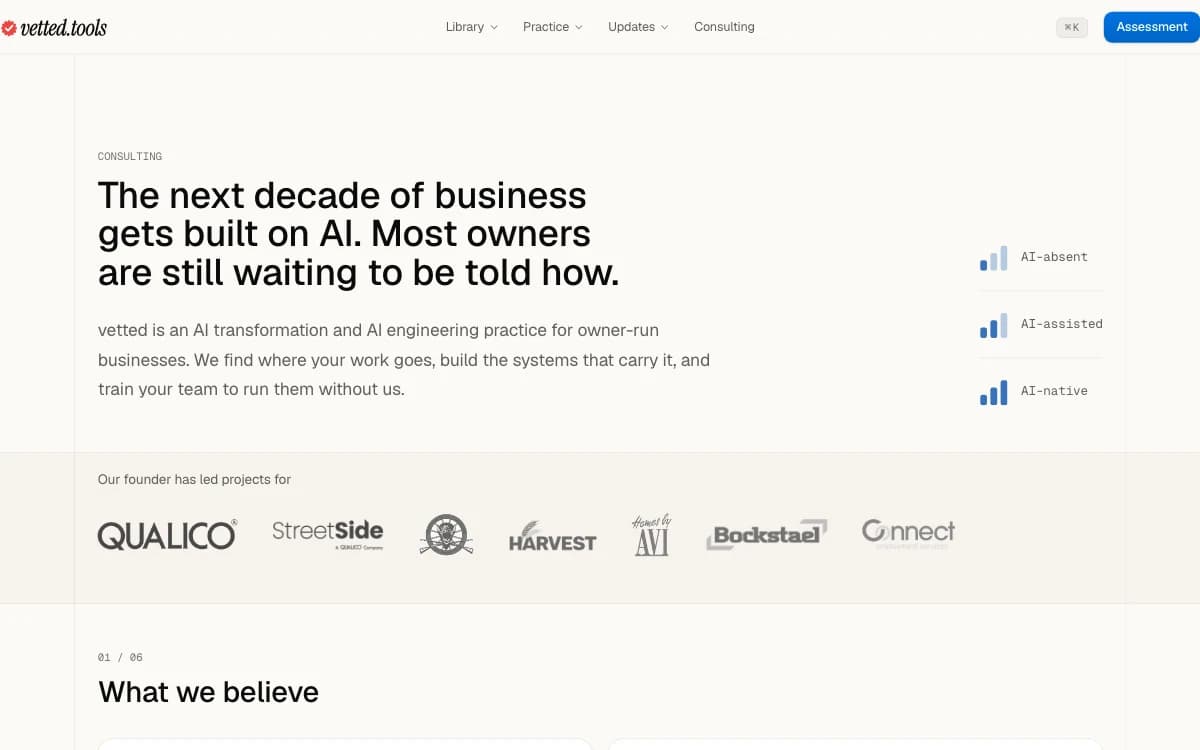
Consulting in the header
Consulting now has its own link in the header, beside the menus. On a phone, the footer folds its links into groups you open, so it is under half as long.
Fixes and improvements
- Links like All use cases and See the work are buttons now, and their chevron turns into an arrow on hover
- The consulting page answers seven common questions, four of them new, in two columns on a wide screen
- Each use case in a list carries a small mark for its category
- Case pages gain three more before-and-after comparisons, and the slider works with Reduce Motion on
- On a wide screen, each release here keeps its version and date in a column to its left